Your schedule,
with a clearer plan.
Classes, assignments, and study time. See what’s next without switching tools.
Open Schedule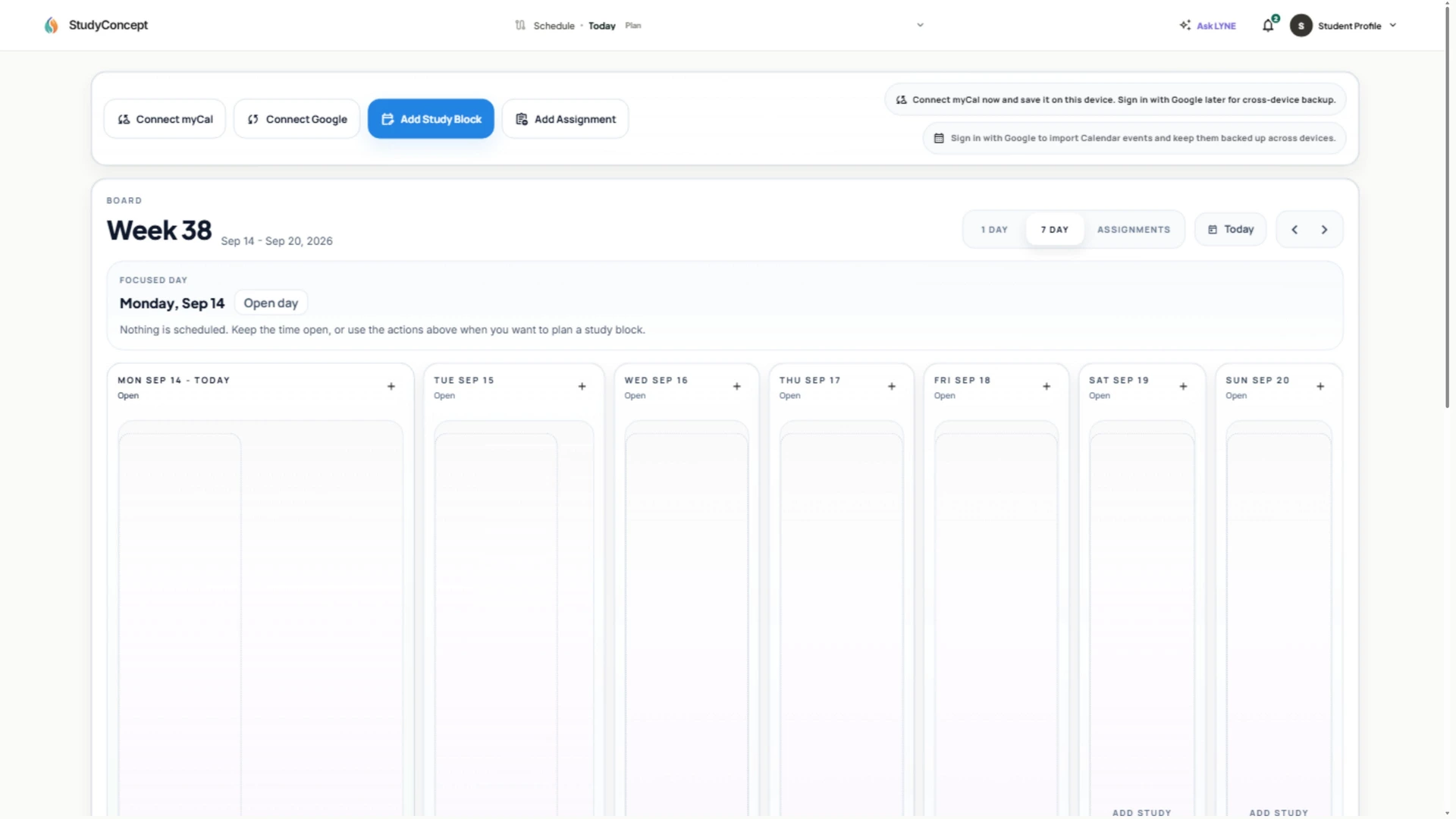
Course notes, practice, and your schedule.
All together in The Study Concept app.
Choose your device for installation instructions.
Free to install. No app store or installer file needed.
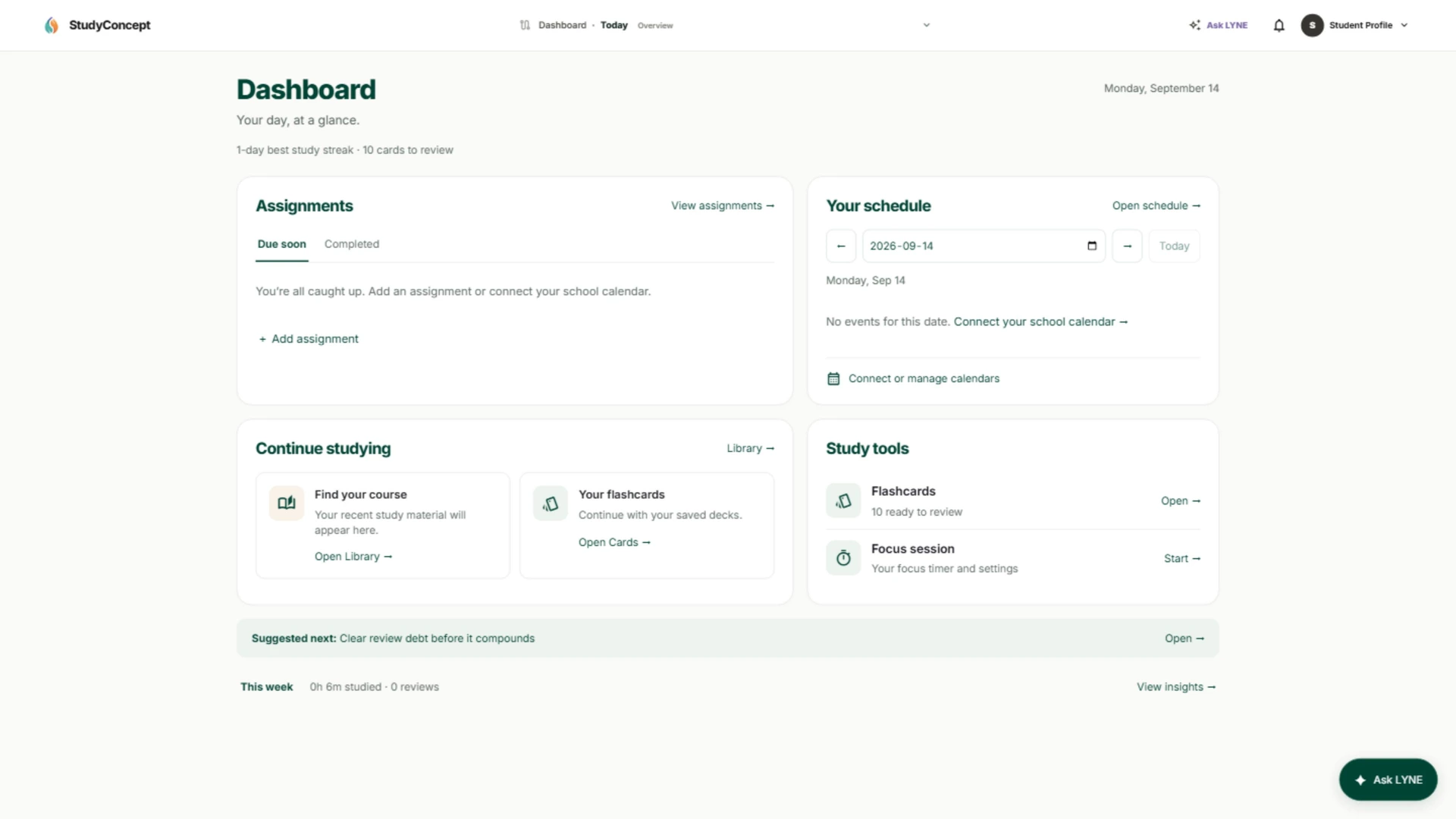
Classes, assignments, and study time. See what’s next without switching tools.
Open ScheduleFind course documents and build understanding, then put it into practice.
Explore the library

Add The Study Concept to your Home Screen.
Open your workspace wherever the day takes you.
Open this page on your phone to install on that device.
Open this page directly in Safari on iPhone/iPad, or Chrome or Edge on other devices. In-app browsers, private browsing, and school-managed devices may restrict installation. You can always keep using The Study Concept in a browser tab.
Look for The Study Concept on your Home Screen, in your app launcher, or in your computer’s Start menu or Dock. If you removed it, you can install it again here.
Sign in with the same account in the installed app. Browser and app sign-in can be separate on some devices. Let saved work finish syncing before switching devices; installation does not back up unsynced work.
After opening the installed app, go to Settings → Notifications to connect your device and send a test. Notification permission is a separate step.
Still need a hand? Visit the Help Center →